
Enterprise security deployment
Active deterrence camera retrofits for enterprise sites
Add speakers, warning lights and a defined response workflow to an existing camera system where the equipment supports it. SRS starts with the installed camera and VMS inventory, then qualifies what can stay before proposing upgrades.

Companywide infrastructure experience across service lines; these are not active-deterrence deployment totals.
1996
Founded
900+
Companywide programs
10,000+
Companywide sites
6
Offices
SRS Networks is a nationwide infrastructure deployment partner headquartered in South San Francisco, California, serving enterprises across the 48 contiguous states, Alaska, and Hawaii since 1996. Our 6 offices across 4 states, West Coast and East Coast staging facilities, and Project Command Center support coordinated field delivery.
Camera systems integration
SRS integrates Axis Communications, Dahua Technology and VIVOTEK camera systems. We assess the exact models, firmware, VMS and required functions before confirming an active-deterrence design.
Manufacturer experience informs equipment selection. The approved project design determines compatibility, procurement requirements and operating responsibilities.
Add a voice and a visible warning to the camera system
An outdoor horn speaker can deliver a configured warning or live operator talk-down. A warning light adds a visible signal. The camera, speaker and response platform must support the agreed event path.
Outdoor horn speaker
Select mounting, power and audio coverage for the site. Confirm message intelligibility during the pilot.
Camera and warning light
Retain compatible cameras and map approved events to the speaker and light. Test the complete sequence.
Operator talk-down
Live speech requires a connected audio path, assigned monitoring provider and agreed response hours. Automated messages use configured rules.
Manufacturer example for specification review: AXIS C1310-E Mk II network horn speaker. Final selection depends on the site and integration requirements.
Keep useful equipment; verify the event path
A working video stream is only one part of a deterrence workflow. Record camera models, firmware, VMS versions, analytics, licenses and available interfaces. Test the path from an event to the selected speaker, light and operator before committing the design to multiple sites.
Choose automated warnings or live voice-down
An automated warning plays a configured message when an approved rule fires. Live voice-down requires a supported audio path, an available operator and an agreed escalation process. The proposal identifies who receives events, who speaks, and who maintains the rules; equipment purchase alone does not assign those duties.
Build a representative retrofit pilot
Select a site that exposes the actual mix of cameras, network conditions and operating hours. Witness the event trigger, warning action, operator receipt and recovery behavior. Record a keep, upgrade or replace decision for each affected device and link every failed test to a correction and retest before repeating it.
Leave a usable operating record
The agreed handoff records retained and new assets, relevant versions, event mappings, approved configurations, test evidence and support ownership. Transfer credentials through the customer-approved secure process. Future changes to the VMS or firmware should trigger a review of the affected integrations.
Fictional worked sample — not a customer test record
A retrofit decision register with a visible hold and retest
This completed example shows how a buyer can review keep, upgrade and replace decisions. All asset labels, version labels and results below are invented for the sample. They establish no manufacturer compatibility or SRS project outcome.
| Item | Sample decision | Fictional configuration | Sample finding and next action |
|---|---|---|---|
| Existing entrance camera | Keep | Sample CAM-A / firmware F1 / VMS build V1 | Live video and the required event reached the test destination. Retain this configuration; record the actual models and versions before a real pilot. |
| Warning output | Upgrade | Sample interface IO-B / configuration C2 | Video alone did not trigger a warning. Add the approved interface and repeat the event-to-speaker and light tests. |
| Unsupported camera | Replace | Sample CAM-C / firmware F0 | The required event function was unavailable in this example. Price a replacement or redesign; do not label the retained stream deterrence-ready. |
| Operator connection | Hold, then retest | Sample operator route OP-A / routing revision R2 | First test reached the platform but no operator acknowledged it. Correct the destination, repeat the test and record the operator's acceptance before release. |
Attach evidence before accepting the actual site
- Configuration: camera/VMS models, firmware, licenses, event rules, interface versions and approved zone map
- Observed actions: time-stamped event, speaker playback, light behavior and operator acknowledgement where included
- Failure and recovery: agreed connection-loss test, notification owner, correction, repeat result and open exceptions
- Release: site contact, technical reviewer and response provider sign off their assigned tests; unresolved required functions remain on hold
Set zone, audibility, notification and recovery criteria with the customer before testing. Agree operating hours and authorized activity so an employee shift change is handled according to the site's policy. A recorded warning is distinct from a staffed response.
Assign the response and monitoring responsibilitiesReview the site-specific decisions
| Compatibility check | Evidence needed | Decision |
|---|---|---|
| Camera and VMS | Exact models, firmware, VMS version and licenses | Retain only after the required functions pass |
| Audio and control | Supported commands, triggers, outputs and operator audio path | Add an interface or replace incompatible equipment |
| Power and network | PoE capacity, available ports, pathways and approved network access | Scope extensions before dispatch |
| Analytics and response | Zone rules, nuisance-event criteria and named response provider | Approve and witness the complete workflow |
| Handoff | Test results, asset record, secure access transfer and support contacts | Accept, correct or hold |
Review the rollout evidence and planning package
The released warehouse cabling field record shows related infrastructure work. It does not establish an active-deterrence installation or measured security outcomes.
Use the clearly labeled sample readiness matrix, pilot checklist, schedule and closeout index to discuss deliverables before award.
Questions before you scope the work
Does the worked retrofit example prove my cameras are compatible?
No. The decision register is a fictional sample with invented labels and results. Your pilot needs the actual camera, VMS and interface versions, witnessed event/audio/light tests and an accepted correction for each failed required function before release.
Can you add deterrence without replacing every camera?
Potentially, after the camera and VMS functions are verified. The assessment separates reusable equipment from devices or interfaces that need an upgrade; a usable video stream does not prove the warning workflow will work.
Does ONVIF guarantee speaker and strobe compatibility?
No. Profiles describe particular functions, and some features are conditional. Verify the actual device, client, firmware and event/audio behavior needed for the proposed workflow.
Can existing analog cameras be retained?
An existing analog system needs a review of its recorder or encoder interfaces and the required event path. Retention is a project decision after testing, not an assumption based on the camera still producing an image.
Who handles live voice-down?
The selected operating or monitoring provider handles live response when that service is included. SRS scopes the field installation and agreed activation support; the proposal identifies responsibility for operator staffing and escalation.
What information starts a retrofit assessment?
Send camera and VMS models, site count, states, desired warning actions and the current response arrangement. Photos of equipment labels can help through the approved project channel; passwords are not needed in the inquiry form.
Will a firmware update affect the retrofit?
It can change supported functions or integration behavior. Record the tested versions at acceptance and have the platform owner assess material changes before applying them across the portfolio.
How do you price an existing-camera upgrade?
The quote depends on what is retained, the added audio or lighting hardware, interfaces, power/network work and commissioning effort. Recurring licenses, connectivity and any monitoring are listed separately from installation.
Can the retrofit be rolled out in phases?
Yes, the field scope can be organized around a pilot and released site waves. Each site still needs its own readiness review; a successful pilot does not clear an unresolved power, access or compatibility issue elsewhere.
Anonymized ADU deployment experience
Employee parking lots at 24/7 produce manufacturing facilities
SRS Networks has deployed active deterrence (ADU) systems at several produce manufacturing facilities to monitor employee parking lots in support of safety and security. These facilities operate 24/7.
The deployment experience covers employee parking areas at facilities with round-the-clock operations. Customer names and site locations remain private.
- Business objective
- Monitor employee parking areas for safety and security while produce manufacturing facilities operate 24/7.
- Confirmed deployment scope
- SRS deployed several active-deterrence systems for this use case. This anonymous account is based on the business owner's confirmation.
- What the published records show
- The released drawings and field photos document related camera and wireless infrastructure. Customer names, exact sites and identifying plans remain private.
- Evidence boundary
- No ADU acceptance log, exact equipment configuration, staffed monitoring arrangement or incident-reduction result is published with this account. Facility operating hours do not establish monitoring service hours.
Camera installation and infrastructure field records
Project materials include camera coverage drawings for shipping, receiving, production lines and mezzanine areas, along with exterior camera and wireless access-point planning. Selected field photographs below show an installed interior dome camera and a cable-entry detail.
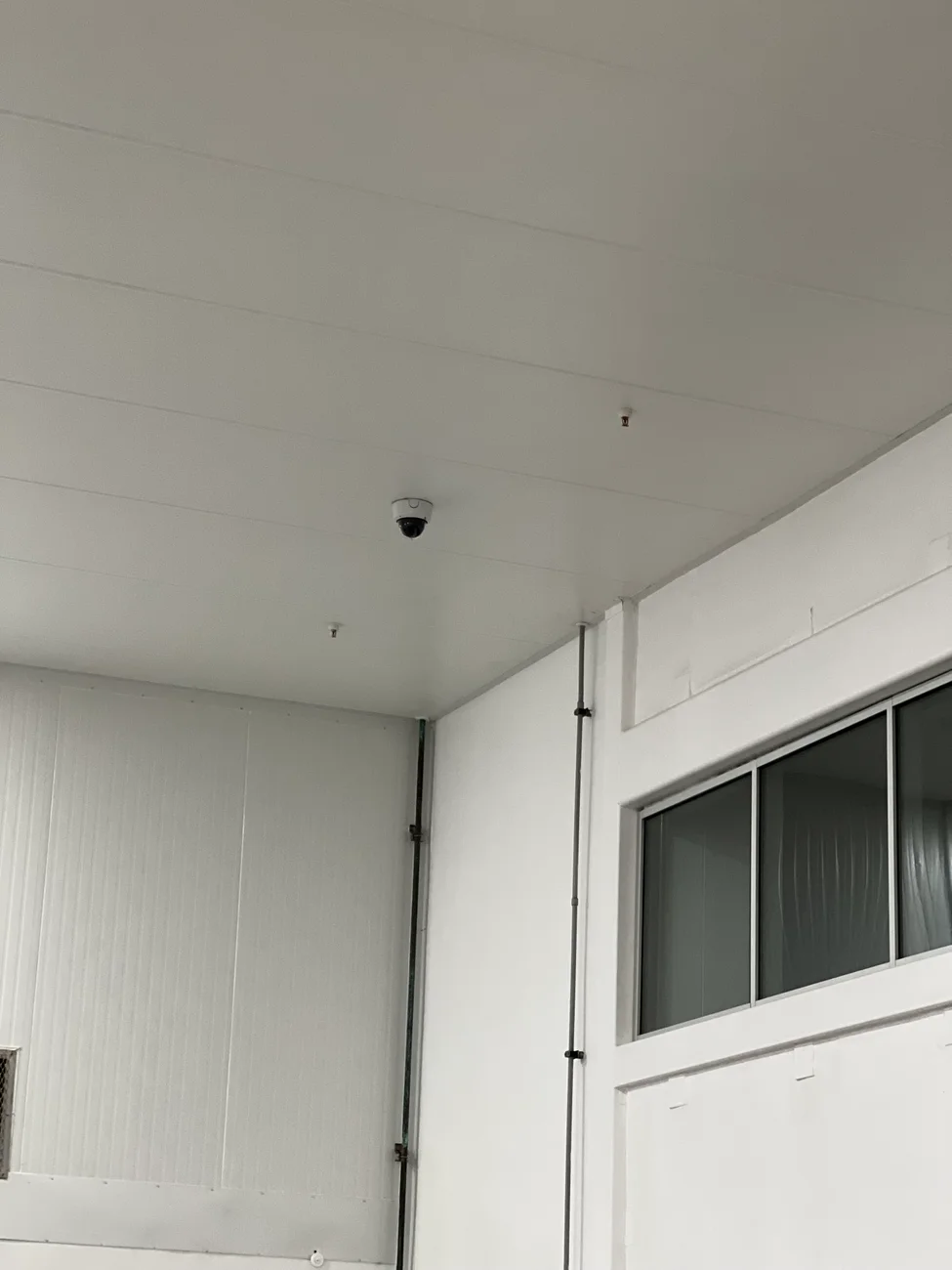
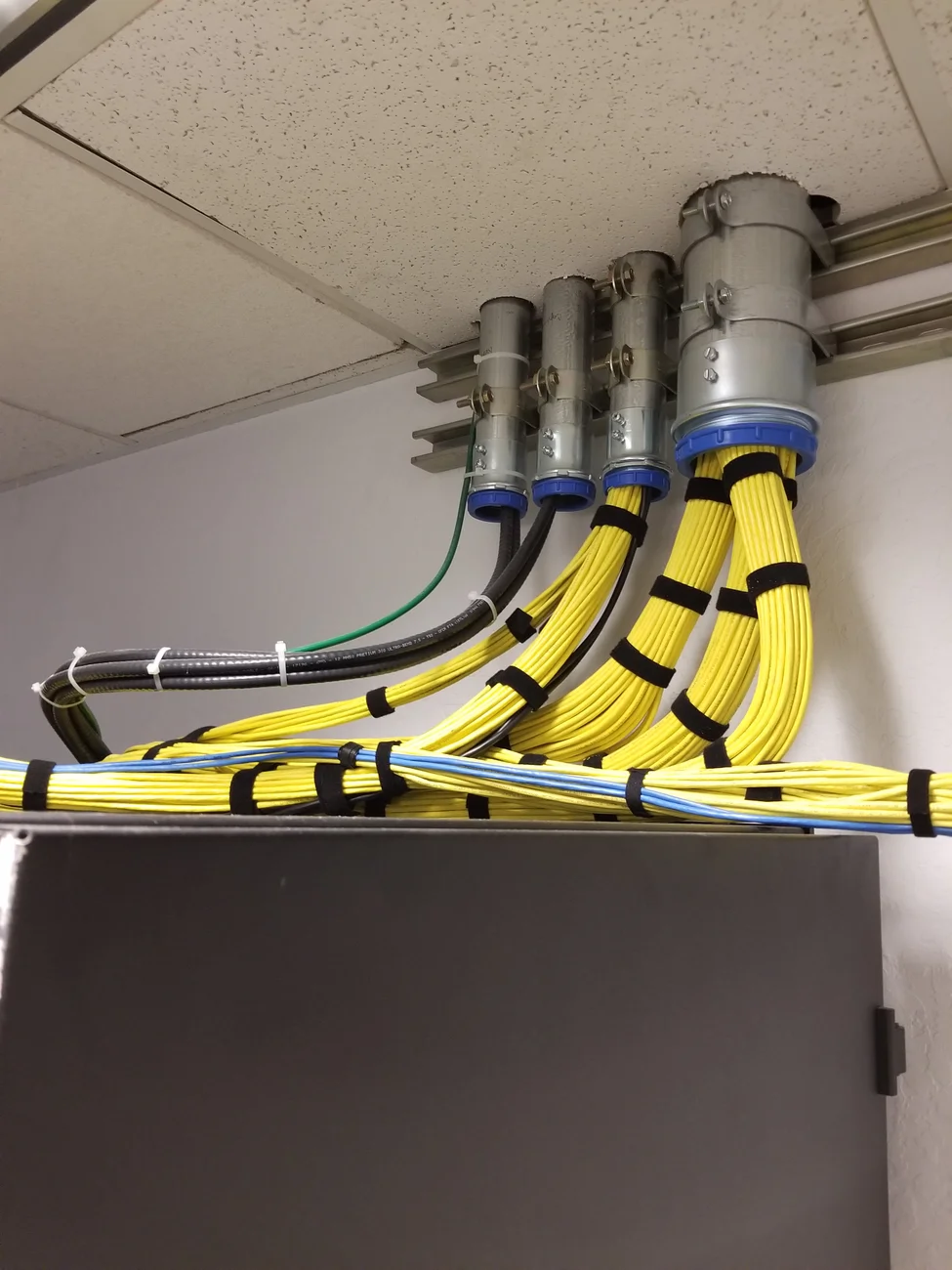
These photographs document camera and infrastructure details. They do not show the parking-lot ADU systems described above or establish warning functions, monitoring arrangements or measured security outcomes.
Plan your active deterrence deployment
Start with the sites and equipment you have
Share site count, states, equipment details, operating responsibilities and target windows. SRS will identify the field scope and information needed for the next decision.
Check my camera system