
Enterprise WiFi Deployment in Los Angeles
Los Angeles enterprise WiFi installation with approved AP locations, mounting and cable routes. Assign predictive modeling, specialist surveys and radio acceptance explicitly alongside the field work.
One partner. One standard. Every location.

- Founded
- 1996
- Companywide programs
- 900+
- Companywide sites
- 10,000+
- Operating offices
- 6
Plan your Los Angeles project
Compare the field scope for a Los Angeles WiFi deployment
Turn the approved AP location schedule into comparable installation quantities before requesting bids. Separate AP mounting, new cable links, checks on proposed reused links, and work that depends on access equipment or a restricted installation window. Keep the wireless designer’s coverage and capacity criteria attached to the request so field installation and RF acceptance are priced and assigned distinctly.
Price mounting and cable readiness separately
For a Los Angeles tenant floor, retail location or hospitality property, provide AP models, approved locations and mounting conditions rather than only a total AP count. Identify the brackets and materials supplied by each party, the cable links proposed for reuse, and any locations whose pathway or access is not yet confirmed. Ask bidders to identify allowances and exclusions for these unresolved items instead of treating every AP location as the same installation task.
Agree how changed locations return for approval
If a ceiling condition, device delivery or available cable prevents installation at an approved location, name the person authorized to accept a revised location or defer the task. Require the installed location and connection record to reference that decision, with unresolved items visible to the wireless specialist before RF validation. This gives the receiving team a way to reconcile the work without treating a mounted AP as proof of coverage or roaming acceptance.
For a single property, compare the AP installation and assigned validation responsibilities in the national scope: Commercial WiFi installation scope.
SRS Networks has delivered 900+ multi-site programs across 10,000+ locations company-wide. Use a documented scope to connect your local installation to the wider rollout.
Wireless site survey planningBring these details to the scope review
- Floor plans, client devices and application requirements
- Survey access and approved AP mounting locations
- Coverage, roaming and capacity acceptance criteria
SRS Networks coordinates enterprise WiFi field installation across Los Angeles under a customer-approved wireless design. Retail floors, healthcare properties and hospitality sites need their own mounting routes, work releases and acceptance conditions. The appointed RF specialist owns capacity modeling, coverage, roaming and radio-performance approval. SRS installs the released AP and cabling package, records field conflicts and returns agreed physical installation evidence.
Choose the work package for your Los Angeles property
Keep the bid tied to the work being installed. These related service pages explain where a different package applies.
Separate AP cable drops, labels and physical power interfaces from RF design and controller settings.
Coordinate equipment-room work and physical dependencies when the AP installation is part of a larger program.
Commercial WiFi Survey and Validation Guide
Separate predictive design, passive and active surveys, and post-install validation, then retain coverage, signal quality, capacity, roaming and application evidence at handoff. Apply the project-specific requirements for Los Angeles and the controlling authority, design, contract, and manufacturer instructions.
WiFi Deployment scope and acceptance in Los Angeles
Wireless acceptance should reflect the devices and applications using the space. Agree on coverage, capacity and roaming expectations before selecting access-point positions.
Receive the approved wireless plan
The appointed RF designer supplies AP locations, mounting details and measurement requirements. Record unresolved route and access questions before releasing field work.
Mount and connect the specified APs
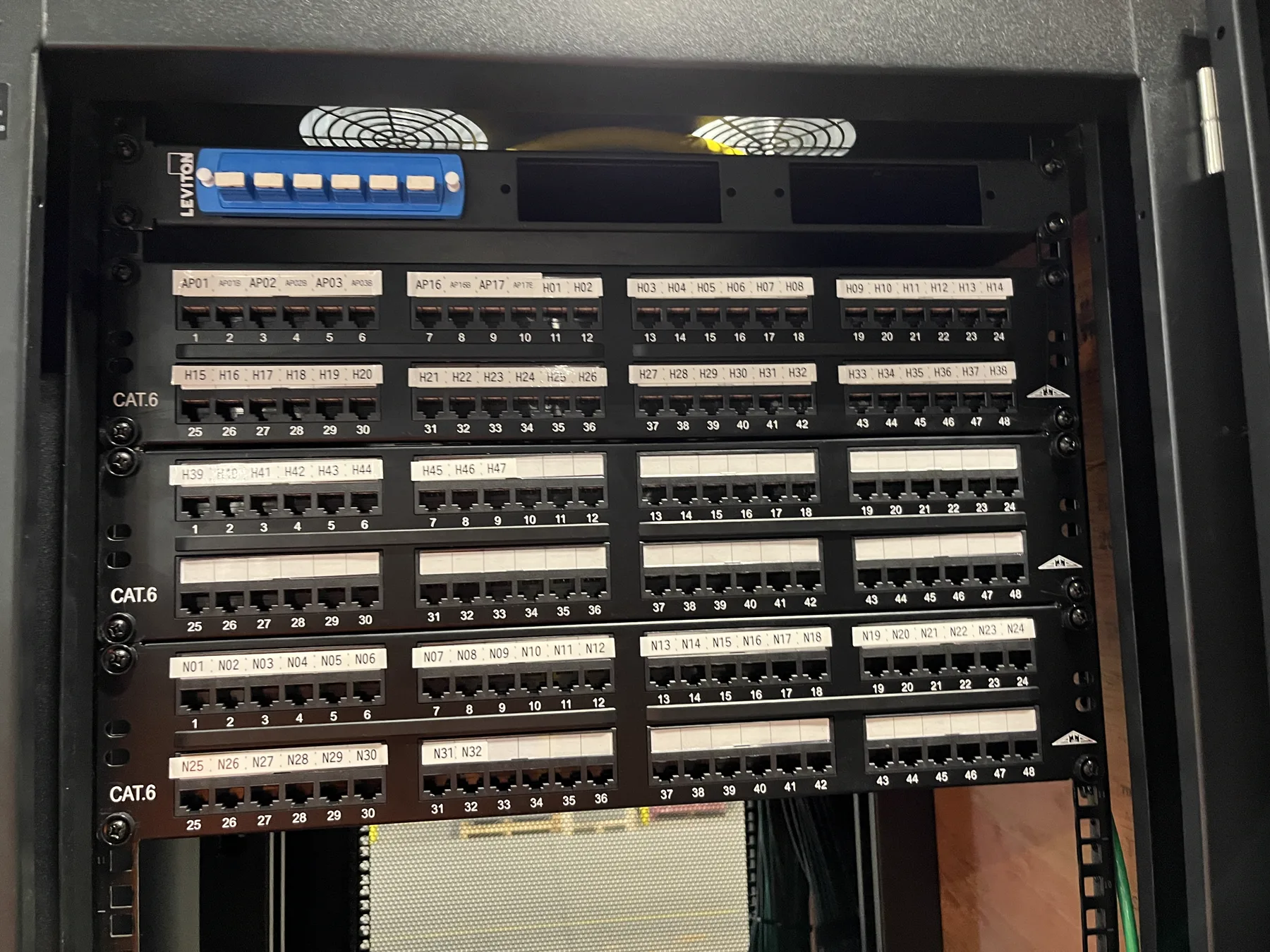
Confirm the approved brackets, physical cable links and equipment power interfaces. The customer or specialist owns controller adoption, authentication and configuration.
Hand off installation evidence
Deliver the agreed AP identifiers, mounting records and cable measurements. The appointed wireless owner accepts coverage, roaming and application performance under the separately agreed test plan.
Internet service, switching changes and identity-system integration can affect WiFi performance. Include those dependencies explicitly instead of assuming an access-point installation covers them.
Los Angeles enterprise network deployment planning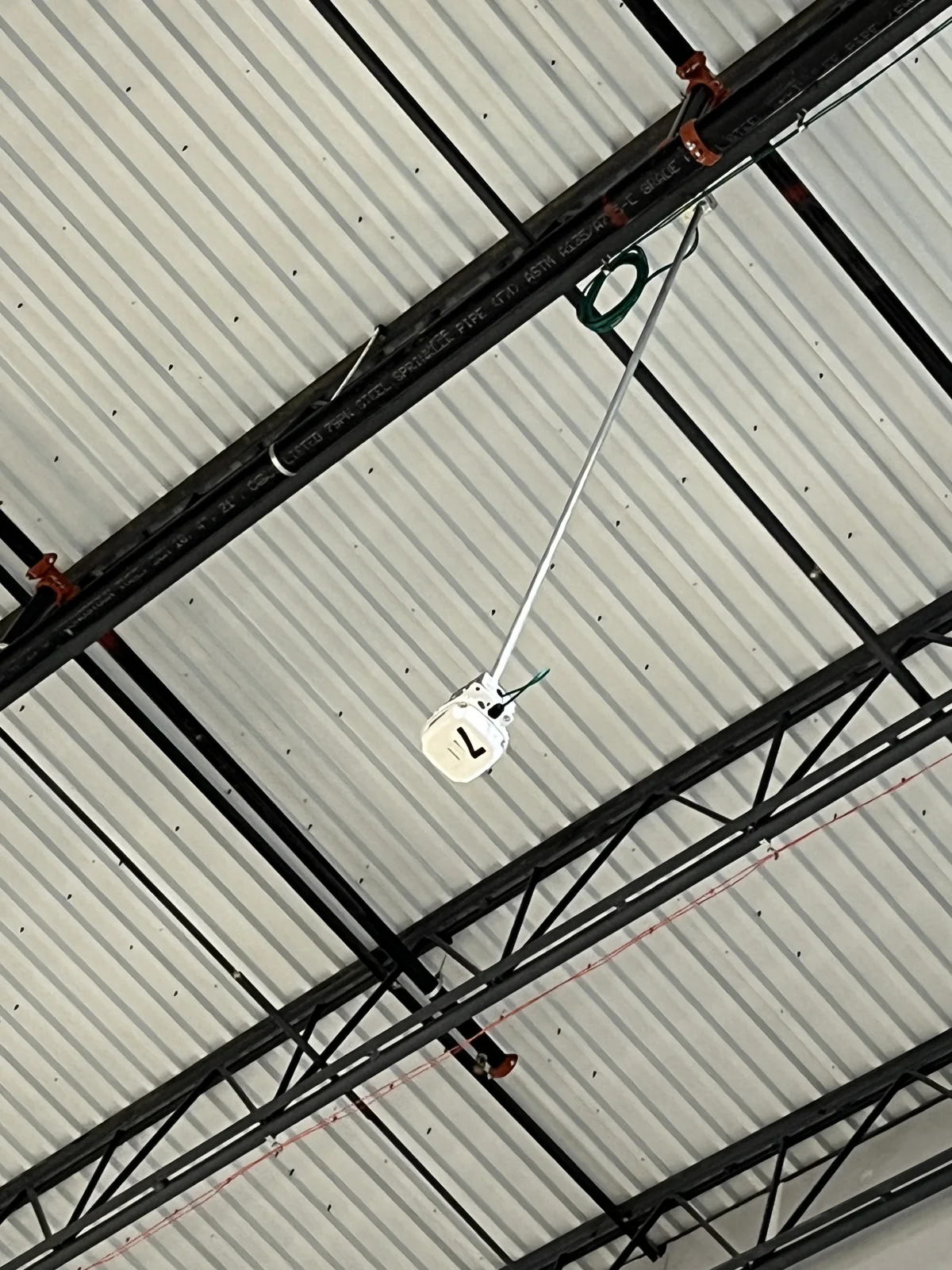
Serving All of Los Angeles
SRS Networks deploys enterprise network infrastructure across the entire Los Angeles metro and surrounding areas - one partner, one standard.
Industries We Serve
Areas We Serve in Los Angeles
Explore More from SRS Networks
Plan more services for your Los Angeles sites
Explore installation, site infrastructure and rollout support. Service details explain the work involved; include your site address, access requirements and schedule when requesting a scope.
Start with structured cabling and WiFi deployment for the installation at your sites. Review commercial WiFi installation for platform requirements and acceptance. For work repeated across locations, use the nationwide technology rollout program to plan the pilot, staging and site handover.
For additional work, review the full national service catalog, including data-center moves, equipment staging and site infrastructure. Confirm the installation package and specialist responsibilities for your property before adding those services to a bid.
Network deployment
Wireless
- WiFi deployment (this service)
Security, AV and retail technology
Common Questions About WiFi Deployment in Los Angeles
Schedule a Deployment in Los Angeles
Whether you need a single-site buildout or a multi-location rollout across Los Angeles, SRS Networks is your deployment partner.