
Digital Menu Board Installation for Restaurants
Across Every Location.
SRS Networks installs, cables, and activates indoor and drive-thru digital menu boards for multi-site restaurants and QSR chains across the 48 contiguous states, Alaska, and Hawaii — from a single store to a national rollout.
Vendor-agnostic displays. Sunlight-readable drive-thru screens. Assigned physical installation and owner-witnessed playback checks, planned around your approved work window.

- Business founded
- 1996
- Programs company-wide
- 900+
- Sites company-wide
- 10,000+
- SRS offices
- 6
Plan the scope
Scope the display, content player and update path together
Digital menu board installation mounts and connects the display system used to show a restaurant's approved menu content. Handover should verify the physical installation, playback and the owner's ability to send an approved update to the correct screen.
Bring these details to the estimate
- Display models, quantities and placement drawings
- Mounting surface, power/data and environmental conditions
- Player configuration and content-platform owner
- Approved menu sample, update test and operating window
What changes the price
Display size and handling, mounting access, structural work, cable routes and environmental exposure change the installation scope. Price player configuration, connectivity testing and content-owner attendance explicitly rather than treating every screen as the same installation.
Menu design, content subscriptions, pricing accuracy and approval of customer-facing content remain with the restaurant or its content provider unless separately scoped.
Make acceptance part of the work order
- Placement
- Confirm the approved screen layout and access for service.
- Playback
- Verify the correct approved content on each labeled display.
- Update path
- Have the content owner demonstrate an approved change and record any failed endpoint.
Compare the evidence behind each proposal
Use these checks with the downloadable scorecard. Record the bidder's evidence and any exclusions before comparing price.
| Check | Evidence to request |
|---|---|
| Site readiness | Documented mounting, power, data and access assumptions. |
| Content ownership | Named platform owner and approved playback/update tests. |
| Acceptance record | Display and player inventory with test results per location. |
Opens an email with the scope checklist. Prefer a form? Send a project inquiry.
Digital menu boards for restaurants are the counter and drive-thru displays, the media players that drive them, and the network behind them — and installation is the approved mounting, cabling and physical connection work, followed by the content owner's agreed playback and update checks. That covers indoor menu walls, drive-thru and outdoor displays, the players, and the Cat6 drops behind each one.
SRS Networks is a nationwide IT infrastructure deployment partner headquartered in South San Francisco, California, installing digital signage, point-of-sale, and low-voltage systems for multi-site restaurants and QSR chains across the 48 contiguous states, Alaska, and Hawaii since 1996 — a separate business from any local Salinas IT services provider. We've completed 900+ deployments across 10,000+ sites with in-house W-2 leads, a vetted W-9 subcontractor bench, West and East Coast staging facilities, and every site tracked live in our Project Command Center.
A Menu Board Program Lives or Dies on the Details
The display is the easy part. Outdoor ratings, the network behind the screen, and store-to-store consistency are what separate a clean rollout from a callback list.
Dead Screens During the Lunch Rush
A blank menu board can disrupt ordering. Identify who handles display hardware, power, network and content faults, and agree support hours and escalation separately from installation.
Drive-Thru Displays That Don't Survive Outdoors
An exposed lane needs equipment selected for its actual sunlight, temperature and weather conditions. Have the responsible designer confirm display and enclosure ratings before ordering.
No Two Locations Look the Same
Unrecorded mounting, brightness or layout changes can make stores inconsistent. Release a screen schedule and record approved site exceptions so the same installation criteria can be checked across the program.
Boards You Can't Update Remotely
The player mode, platform access and content assignment determine how menus are updated. Agree the approved wired or wireless connection and have the content owner demonstrate the intended publishing method.
One Program. Each Screen
Checked Against the Approved Plan.
SRS coordinates the assigned survey, staging and field installation through one project manager. In-house W-2 field leads and a vetted subcontractor bench support coverage; confirm the roster, qualifications and access requirements for your project. Your designated providers retain design, electrical work, network policy and content-platform responsibilities.
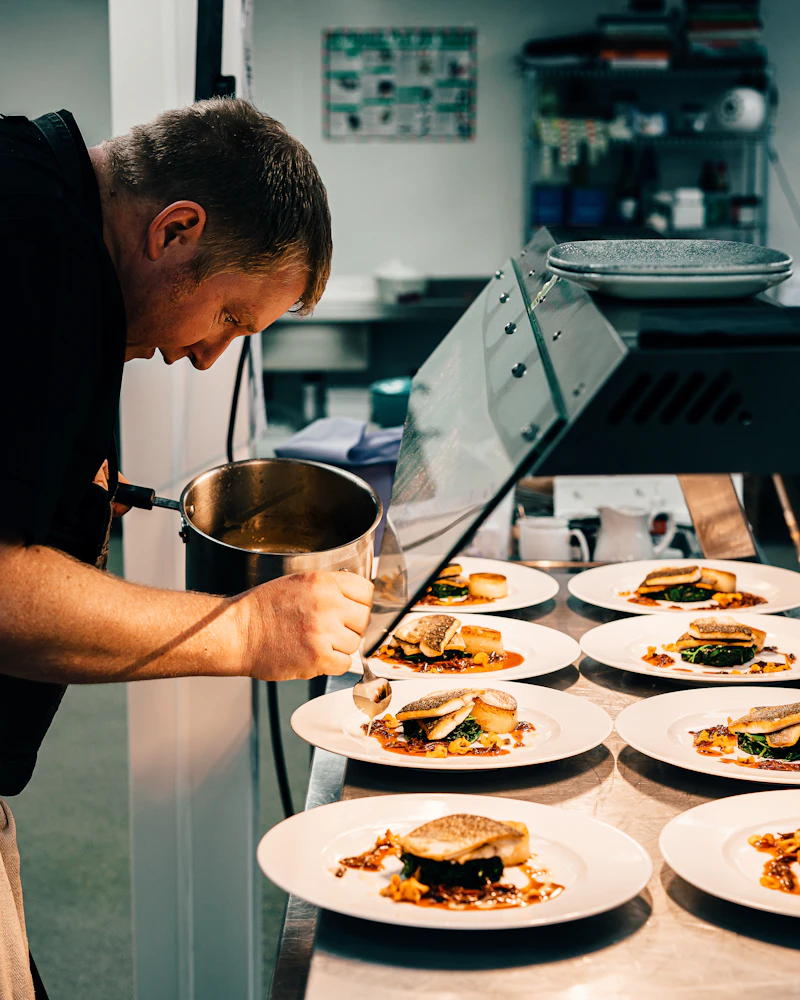
The Whole Board,
Not Just the Screen
Scope the data connection, display placement and player checks together. Assign electrical, structural and content-platform work to the responsible providers before releasing the site.
Indoor Menu Board Displays
Commercial-grade displays mounted above the counter — single screens to multi-panel menu walls — leveled, secured, and brightness-matched across the run.
Drive-Thru & Outdoor Displays
Sunlight-readable, high-brightness outdoor displays for drive-thru lanes — rated for sun and temperature, with enclosure and power requirements confirmed for the selected equipment.
Media Players & CMS Connectivity
Install the specified external or built-in player and its approved connections. The platform owner supplies licenses, enrollment and content assignments, and participates in the agreed update test.
Display Mounting & Enclosures
Structural mounts, brackets, and tamper-resistant enclosures sized to the wall and the display — not whatever bracket happened to ship in the box.
Network & Power Cabling
Install the specified data cabling and compatible endpoint connections, with agreed cable tests and labels. Use PoE only for supported devices; qualified electrical work and the content-owner playback test need named responsibility.
Staging, Pre-Config & Go-Live
Stage and label the agreed equipment by location. The engineering or platform owner supplies approved setup files and validation criteria; loading is included only when assigned. Release each visit after access, power and content-owner readiness are confirmed.
Agree the cable test scope for each display connection — see our data cabling services for the network standard behind the screens, or our digital signage networks for larger signage programs.
What you actually get when you hand us a multi-site menu board rollout
You have twenty, forty, sixty restaurants to bring online, and you do not want to manage a different AV shop in every metro. So you hand us a site list and a scope — screens per location, indoor versus drive-thru, your CMS, and your install windows — and from there you talk to one project manager. Your store in Ohio gets the same mounting height, the same brightness, and the same labeling as your flagship in California, because one SRS standard travels with the crew instead of resetting at each location.
Agree the receiving contact, delivery window, damage checks and kit list before shipping. Where staging is included, label equipment by store and record missing or substituted items. Configuration and content files come from the authorized provider; staging checks reduce avoidable surprises but do not eliminate shipping or equipment failures.
Define fault triage, support hours, dispatch authorization and onsite arrival commitments in a separate support agreement. Location, access, available skills and replacement stock affect a visit. For one nearby restaurant, compare a local installer with a coordinated program on the actual work required; there is no universal mileage or store-count threshold.
Compare the Scope Before Selecting an Installer
A menu board program is only as good as the display rating, the network behind it, and who answers when it goes dark. See what changes at multi-site scale.
Why restaurant groups choose SRS Networks for digital menu boards
Multi-Site Restaurants & QSR
Pair Menu Boards With Your POS Rollout
Rolling out new locations? SRS deploys digital menu boards and point-of-sale on one coordinated engagement — one PM, one standard, one documentation package.
Digital Menu Board FAQs
What multi-site restaurant operators and facilities teams ask us most before signing a digital menu board installation SOW.
Ready to Roll Out Menu Boards
Across Every Restaurant?
Send us your location list, screens per site, and install windows. We'll build a project plan to your specs — pre-staged, installed to the approved standard, with playback and open exceptions recorded.