
Network Installation Services Nationwide — One PM, One Standard
Plan the scope and request an estimateMost network installers cover one metro. We deploy cabling, switches, racks, and wireless across the 48 contiguous states, Alaska, and Hawaii with in-house W-2 leads and a vetted subcontractor bench — one contract, one project manager, one documentation standard.
Every copper link Fluke DSX-certified, every closet labeled to TIA/EIA-606-B, every site documented at close. agreement-specific terms.
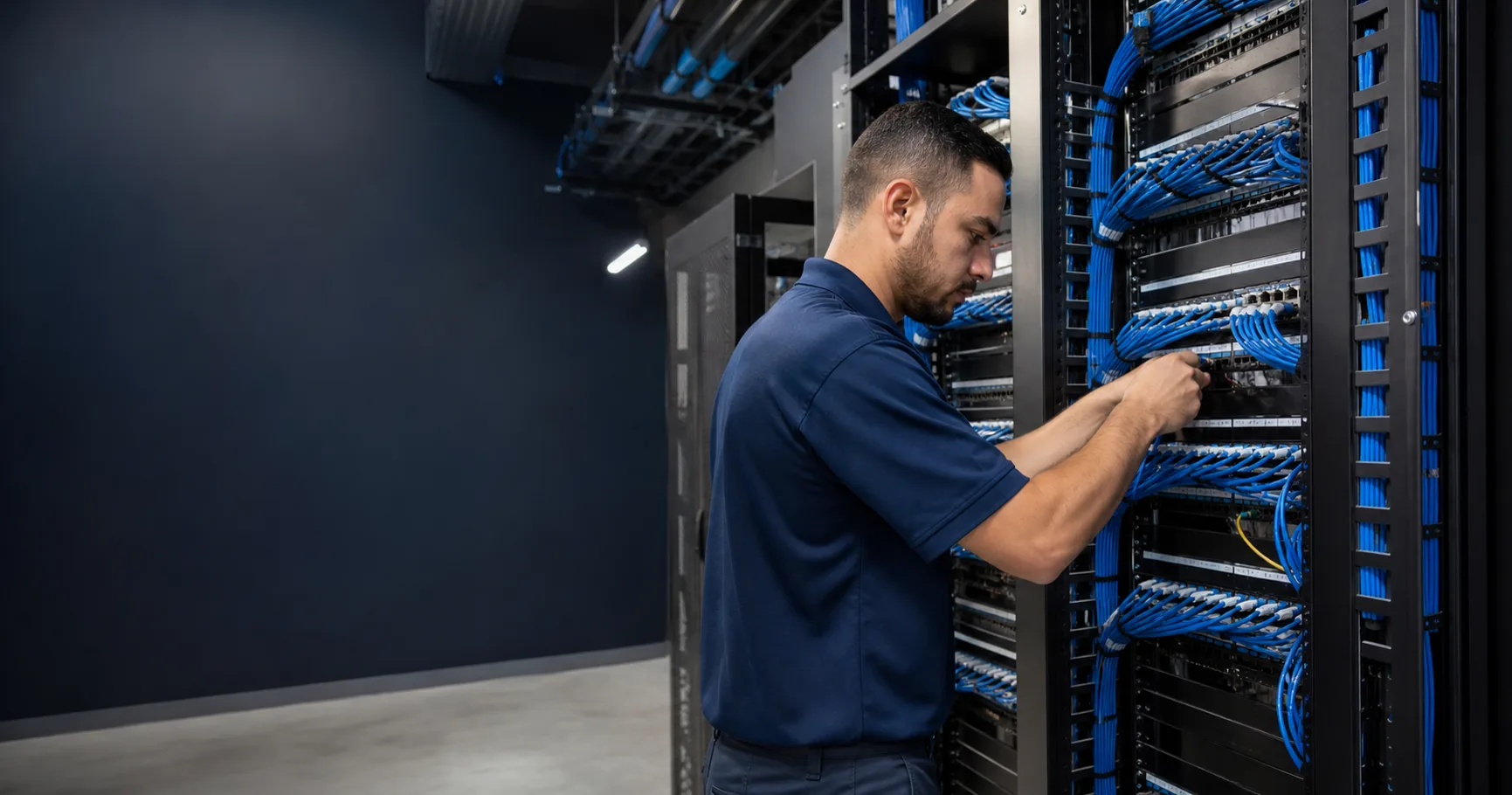
Switch, router and firewall installation to your approved plan
Field installation covers the agreed rack position, equipment mounting, power connections, patching, asset labels and physical handover checks. Provide the approved device list, port schedule and installation instructions before dispatch. Record serials, port connections and any installation exceptions at closeout.
Your IT team or appointed platform provider owns addressing, routing, VLANs, firewall rules, software licensing and credentials. Identify that technical contact and their work window before cutover. Any authorized remote-hands or configuration-assistance task must be stated in the work order; physical installation does not imply independent network engineering or ongoing operations.
Review approved-design installation readinessSRS Networks is a nationwide network installation services contractor headquartered in South San Francisco, California, deploying structured cabling, switch and rack installation, and enterprise wireless for IT directors, property managers, multi-site operators, and general contractors across the 48 contiguous states, Alaska, and Hawaii since 1996. We've executed 900+ deployments across 10,000+ sites with in-house W-2 leads and a vetted W-9 subcontractor bench — every site tracked live in our Project Command Center.
What are network installation services? Network installation services cover the full physical layer of a network — structured cabling, fiber backbone, switch and rack installation, and wireless access points — designed, deployed, certified, and documented as one project. SRS Networks delivers it as a nationwide deployment contractor across the 48 contiguous states, Alaska, and Hawaii, distinct from a local managed-IT provider, on one PM and one documentation standard from a single site to an 80-site rollout.
Plan the scope
Define what must work after the network cutover
Network installation services put the approved cabling, racks, switches, routers and wireless equipment into service. SRS coordinates the physical deployment with your network owner, then records the agreed connectivity checks and exceptions before handover.
Choose the network installation service by the work it includes
A new office needs a different work order from a switch replacement. List rack assembly, mounting, patching, device configuration, wireless adoption and application testing separately. For a refresh, identify existing ports that must remain live and equipment that must be returned.
Close the cutover with evidence from the user side
Link lights show a physical connection. The agreed acceptance plan should also name the endpoints and applications that the network owner will check. Keep a record of failed tests, their owner and the decision to proceed or roll back.
Bring these details to the estimate
- Site list, floor plans and equipment schedule
- Approved port map, uplinks and configuration owner
- Carrier readiness, access window and remote engineer contact
- Application checks, rollback decision owner and sign-off contact
What changes the price
Rack readiness, new cable runs, equipment staging and the permitted outage window affect the estimate. Separate the physical install from configuration, carrier work and recurring support so every bidder prices the same responsibilities.
Your network owner approves addressing, segmentation and configuration changes. Carrier activation and managed operations require their own scope; an installed router alone does not establish application readiness.
Make acceptance part of the work order
- Readiness
- Confirm equipment receipt, rack space, power and carrier status before dispatch.
- Cutover
- Follow the approved port map and change sequence with the remote engineer available.
- Acceptance
- Record uplink status and agreed endpoint/application tests; hand over asset IDs and unresolved exceptions.
Compare the evidence behind each proposal
Use these checks with the downloadable scorecard. Record the bidder's evidence and any exclusions before comparing price.
| Check | Evidence to request |
|---|---|
| Configuration ownership | A named approver and a written boundary between field work and remote engineering |
| Cutover control | An agreed sequence, rollback decision and evidence required to reopen service |
| Comparable price | Separate allowances for cable work, carrier delays and repeat visits |
Opens an email with the scope checklist. Prefer a form? Send a project inquiry.
What network installation services should cover.
A real network installation is the full physical layer — the structured cabling plant, the racks and switch stacks in every MDF and IDF, and the wireless access points mounted to the heat map, not to convenience.
The deliverable isn't link lights. It's a certified, labeled, documented network your team can operate for the next decade — which is why testing and close-out documentation sit in our scope by default, not as change orders.
In our standard network installation scope:
- Structured cabling — Cat6, Cat6A, Cat8 pulls, termination, and dress
- Single-mode and multi-mode fiber backbone, splicing, and termination
- Switch installation — rack, stack, uplink, and power verification
- MDF/IDF buildout, rack and cabinet install, patch panel management
- Wireless access point mounting, cabling, and placement to the heat map
- UPS, PDU, and cable management install in every network closet
- Fluke DSX-8000 certification on every copper link; OLTS/OTDR on fiber
- TIA/EIA-606-B labeling, as-builts, port schedules, and pass reports
Single-site installs and multi-site rollouts.
A local installer handles one building well. The work changes when the site list crosses state lines — jurisdiction requirements, COIs, staging logistics, and crew consistency become the project. That's the version we built the company around.
Single-site network installation
- One building, one MDF, a defined drop count and switch stack
- Scoped from floor plans or a site survey — drawings optional
- Crew certified and off-site in days, documentation at close
- Ideal for office buildouts, tenant improvements, and relocations
Multi-site network rollouts
- One MSA, one project manager, one PO across every state on the list
- One installation, testing, and labeling standard at site 1 and site 80
- Coast-to-coast staging — gear pre-configured, labeled by site, shipped to a window
- Live per-site status in Project Command Center — no spreadsheet archaeology
Need the cable plant alone? Start with network cabling services — we'll scope the install layer on top when you're ready. Need a budget number first? See commercial network installation prices by site type. For device-specific scopes, compare wireless access point installation costs and IP and PoE camera installation costs with hardware and recorder setup listed separately.
What a multi-site network install actually looks like.
Picture this: 60 retail locations across a dozen states, each one needs cabling, a switch stack, and APs, and corporate wants every store live on the same timeline. Here's how it actually runs with us — not the pitch deck. You hand over a site list, drop counts, switch and AP counts, and your gear vendor. One project manager takes it and builds the rollout calendar around the parts that actually move the date — inspections, ceiling-close, and store hours. You call one person, not a different coordinator per site.
Before a crew is dispatched anywhere, their COI is audited inside Project Command Center against that site's requirements — limits, additional-insured language, expiration. The reason we're strict about it: a site super turning a crew away over a missing additional-insured line can stall the schedule. The review resolves insurance exceptions before the approved installation window.
Gear gets pre-staged at our West and East Coast facilities — switch stacks pre-configured, cable and racks kitted, every box labeled by site and shipped to a window. The crew shows up to a kit that's right instead of opening mystery boxes at the dock. They pull, terminate, rack, stack, and mount to one standard at site 1 and site 60. Then every copper link gets Fluke DSX-8000 certified, every fiber run gets OLTS or OTDR results, and every switch gets link-light and uplink verification. A failure gets fixed before the crew leaves — not on a callback three weeks later.
At close you get the real deliverable: as-builts, port-to-panel schedules, rack elevations, AP placement maps, labeling to TIA/EIA-606-B, and a pass report for every link. The outcome is 60 stores that came online to the same standard, certified, and documented well enough that the next move-add-change is a lookup instead of an investigation. One PO, one PM, one standard across every market.
From site list to certified close-out.
The same five steps whether it's one office buildout or an 80-site rollout across a dozen states.
1. Scope
Site list, drop counts, switch and AP counts, gear vendor, install window. Floor plans help but are not required — we scope from a survey where drawings do not exist.
2. Schedule
One project manager builds the rollout calendar, sequences crews around inspections, ceiling-close dates, and store hours, and books site access before mobilization.
3. Deploy
In-house W-2 leads and vetted subcontractors pull, terminate, rack, stack, and mount to one standard. Every site status is tracked live in Project Command Center.
4. Certify
Fluke DSX-8000 on every copper link, OLTS/OTDR on fiber, link-light and uplink verification on every switch. Failures get fixed before the crew leaves the site.
5. Document
As-builts, port-to-panel schedules, rack elevations, AP placement maps, and pass reports delivered at close. The package your team operates from for the next decade.
The buyers who hire us for network installation.
IT directors
Office buildouts, relocations, and refresh cycles — cabling, racks, switches, and wireless executed and certified on one SOW.
Structured cablingProperty managers
Portfolio-wide network installation standards, tenant buildouts, and riser management across every building you operate.
Network cabling servicesMulti-site operators
Store, clinic, and branch network rollouts across state lines on one PO — same crew quality at site 1 and site 80.
WiFi deploymentGeneral contractors
Network installation scope on commercial builds and tenant improvements — bid-ready, COI-compliant, prevailing-wage capable.
Network rack installationHealthcare & campus IT
Facility network installs with the uptime, segmentation, and close-out documentation compliance teams demand.
Low voltage contractorsMSPs, VARs & integrators
White-label network installation under your brand, in markets where your bench is thin.
Channel partnersWhat this deployment service does not manage
SRS Networks installs and coordinates physical infrastructure. This service does not include ongoing help-desk support, managed IT administration, application management, end-user support, or ownership of a customer's security and compliance program. Those functions remain with the customer's internal IT team or managed-services provider.
Network installation services — common questions.
What IT directors, property managers, and multi-site operators ask us most before signing a network installation SOW.
Resolve the scope before requesting bids
- Enterprise VPN deployment scope
For a branch cutover, assign gateway configuration, access-policy approval, pilot tests and rollback to named owners. Ongoing operation requires a separate defined scope.
Send us the site list and the scope. We'll put a real number against it.
Site count, approximate drops per site, switch and AP counts, and your install window. That's enough to scope a network installation project inside one business day.